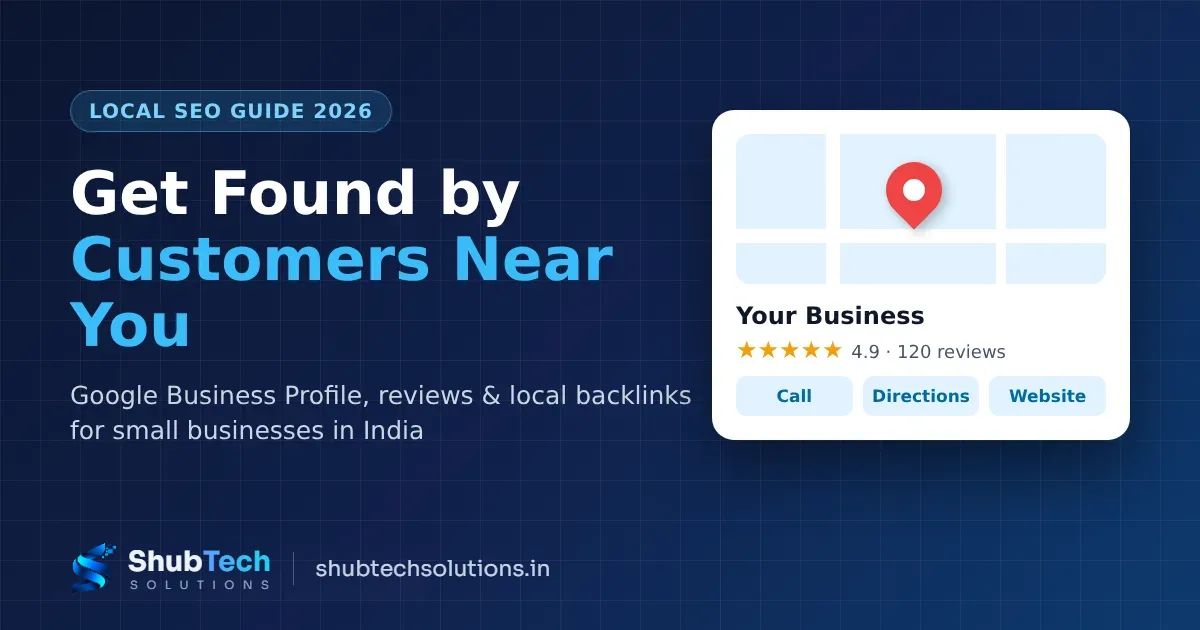
When someone in your area searches “web designer near me” or “CA in Lajpat Nagar”, Google shows a map with three businesses before the normal results. That box is called the Local Pack, and getting into it is often the cheapest way for a small business in India to win new customers. This guide explains local SEO in plain language and gives you a step-by-step checklist you can follow this week.
What is local SEO?
Local SEO means improving your online presence so that your business appears when people nearby search for what you sell. It covers your Google Business Profile, your website, your reviews, and how consistently your business details appear across the internet.
Unlike paid ads, you do not pay per click. Results take a few weeks to build, but they keep working long after the effort is done. Many businesses use both: ads for quick leads and local SEO for steady, low-cost leads. If you are weighing up ads, read our guide on Google Ads for small businesses in India.
How Google decides who shows up locally
Google says local results are based mainly on three things (source: Google Business Profile Help):
Relevance – how well your profile matches what the person searched for.
Distance – how far your business is from the searcher or the location in the search.
Prominence – how well known your business is, based on reviews, links, articles and your overall web presence.
You cannot change distance, but you can improve relevance and prominence. Everything below is aimed at those two.
Step-by-step local SEO checklist
1. Claim and verify your Google Business Profile
Go to google.com/business, search for your business name and claim it (or create it). Google will ask you to verify ownership, usually by video, phone or SMS. Until you verify, many of your edits will not appear publicly. Google's verification guide explains the current options.
2. Fill in every field properly
Business name – use your real name only. Adding keywords like “Best Web Design Company Delhi” goes against Google’s guidelines and can get your profile suspended.
Primary category – pick the most specific one (for example, “Website designer” rather than “Consultant”). Add a few secondary categories that truly apply.
Address or service area – if customers visit you, show the address. If you visit customers, hide it and set a service area.
Hours, phone and website – keep these accurate, including holiday hours for Diwali and other festivals.
Services and products – list each one with a short description and, where possible, a starting price.
Description – 2–3 natural sentences about what you do and where. Write for people, not for Google.
3. Add real photos regularly
Upload photos of your office or shop front, your team and your work. Real photos build trust far better than stock images, and an active profile looks more reliable to customers.
4. Keep your NAP consistent everywhere
NAP stands for Name, Address and Phone number. Use exactly the same details on your website, Google profile, Facebook page, Instagram bio, JustDial, IndiaMART, Sulekha and any other listing. Small differences such as “Shop No. 12” vs “Shop 12”, or two different phone numbers, confuse both Google and customers. Make a simple spreadsheet of every listing and fix them one by one.
5. Get more Google reviews – the right way
Reviews affect both your ranking and whether people call you. To get more of them:
Copy your review link from the Google Business Profile dashboard (“Ask for reviews”).
Send it on WhatsApp right after you finish a job, while the customer is happy.
Reply to every review – thank the good ones, and answer bad ones calmly with a fix.
Never buy reviews or offer discounts in exchange for them. This is against Google’s policy on fake engagement and can get reviews removed or your profile restricted.
6. Make your website local-friendly
Your website supports your Google profile. Make sure it has:
Your city or area in page titles and headings where it reads naturally (for example, “Website Development in Delhi”).
Your full NAP in the footer and on a contact page, with an embedded Google Map.
A separate page for each main service, instead of one page listing everything.
Fast loading on mobile – test it free with Google PageSpeed Insights.
LocalBusiness structured data, which helps search engines read your details. See Google’s LocalBusiness structured data guide and schema.org/LocalBusiness.
If you do not have a website yet, our guide on how much a business website costs in India will help you budget for one. Google’s own SEO Starter Guide is also worth a read.
7. Earn local backlinks
Backlinks are links from other websites to yours. Links from trusted, local and relevant sites are a strong signal of prominence. Good, safe ways to earn them:
List your business on your local trade association, chamber of commerce or market association website.
Sponsor or support a local event, school function or charity drive that lists its sponsors online.
Ask suppliers, partners and happy clients to mention you on their websites.
Share useful tips with local news sites or community blogs.
Publish helpful guides on your own blog that others want to link to.
Avoid buying links or joining link-exchange schemes. Google treats these as link spam, and they can hurt more than help.
8. Post updates and answer questions
Use Google Business Profile posts to share offers, new work or festival greetings. Keep your services and photos fresh so the profile always looks active and up to date.
Common local SEO mistakes to avoid
Stuffing keywords into the business name.
Creating more than one profile for the same location.
Using a virtual office or PO box as your address.
Ignoring negative reviews instead of replying.
Different phone numbers on different listings.
A slow, non-mobile-friendly website.
How long does local SEO take?
Profile edits can go live within days, but ranking improvements usually build over a few weeks to a few months. It depends on your competition, how complete your profile is and how many genuine reviews you collect. The businesses that win locally are usually the ones that keep going every month, not the ones that do everything once.
Quick local SEO checklist
Claim and verify your Google Business Profile.
Complete every field and choose the right category.
Upload real photos and keep adding them.
Make your NAP identical on every listing.
Ask every happy customer for a review and reply to all reviews.
Add local service pages, a map and LocalBusiness schema to your website.
Earn genuine local backlinks.
Post updates at least once or twice a month.
Need help with local SEO?
ShubTech Solutions helps small businesses set up and optimise their Google Business Profile, build fast local-friendly websites and grow with search. See our digital marketing services or get in touch for a free review of your current listing. Selling online too? Read how to start an online store in India.